

10th January 2023 3 MIN READ •Talos ATS •Hiring Tips

Recruitment referencing can be one of the most time-intensive parts of the recruitment process, but its importance remains paramount to gauging the compatibility of new talent entering your business. Here are our top 7 tips on how to simplify reference checking for all parties involved – without compromising on candidate suitability…
Automation is key
The reference checking process can be automated easily through your everyday recruitment platform – with no need for calls, manual emails, or physical documents.
By using a reference checking portal, you can take a back seat while referees are automatically notified, and directed to a straightforward online form to complete their references.
Once these are completed, references will be tagged alongside candidate profiles within your ATS – making it quicker and more straightforward to progress their hiring journey.
GDPR protection
It’s ok to be honest when submitting a reference; GDPR regulation means candidates won’t be able to read your submission, giving you peace of mind to speak honestly about their day-to-day strengths, performance, and areas for improvement.
Timing is everything…
The best time to ask candidates for their references is after a formal offer has been accepted. Asking for details before this can provoke fear that their current employer may be contacted. This can lead to unnecessary candidate drop-off…
With reference checking automations, requests will be sent to referees automatically once candidates reach the final stages of the hiring process. All you need to do is collect referee details from your candidate, and let the referencing portal handle the rest!
Struggling to reach candidates’ referees?
Recruitment referencing portals make it easier than ever to collect references from your candidates’ referees. There’s no need for phone calls, manual email chains, or physical documents – all notifications are distributed automatically!
Personal or professional?
Personal references can be just as important as their professional counterparts for gauging candidates’ interpersonal skills and qualities. Be sure to take time to consider both of these when reaching out to candidates.
Here are the main differences between personal and professional references:
Professional reference
Professional references are provided by colleagues, managers, and/or clients who have worked with a candidate in their previous employment. These are an important part of cross-checking the skills and qualities presented on candidates’ CVs, and during interview stages.
Personal reference
Personal references are usually provided by key figures in a candidate’s personal life – such as teachers, lecturers, friends, and family members. They provide insight as to a candidate’s interpersonal skills, which are often just as – if not more valuable than their professional skillset.
Don’t just tick a box
Reference checking is far from just a box-ticking exercise. Feedback from referees’ can provide valuable insight as to any additional training, or support candidates may require, as well as any additional skills they may not have mentioned.
Be sure to consider referencing questions in detail, making sure these are relevant to the job role, and will demonstrate the qualities and skills you’re looking for in your ideal candidate.
What to include in references
When filling out a reference, it’s important to touch on candidates’ strengths, skills, and professional achievements, as well as their interpersonal skills. References serve as a great indication of what it’s like to work with a candidate on a day-to-day basis.
If you’re completing a reference as a referee, be sure to include any information you feel could help the future employer in getting to know their candidate. Steer clear of personal bias in these responses, though – especially in relation to candidates’ personal qualities like their social background or age.
Introducing…
Talos ATS: Automated recruitment referencing integration
Want to automate recruitment referencing directly through your recruitment software? Talos ATS is the answer!
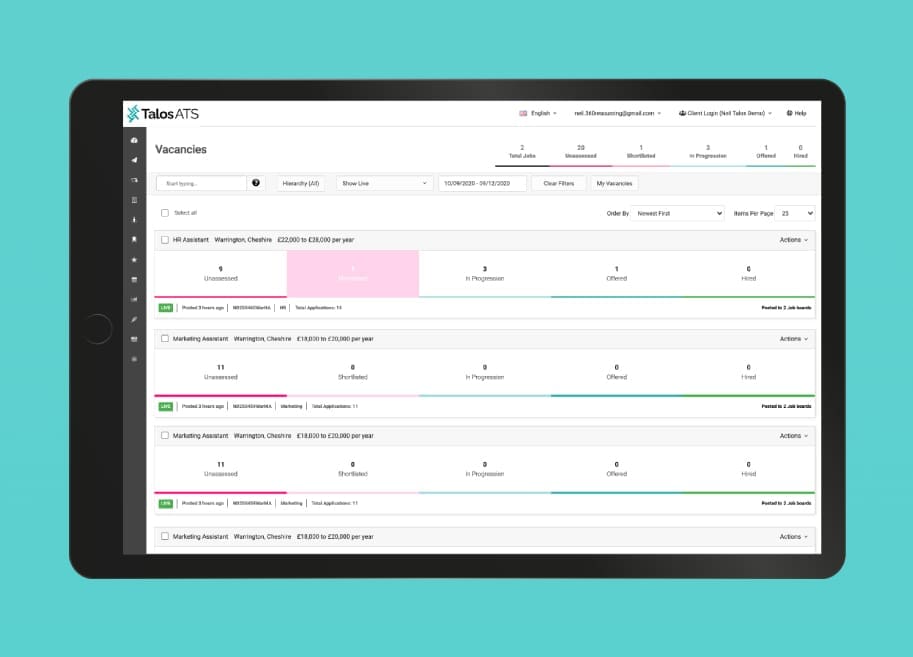
Our brand-new reference checking automation allows you to request and collate any number of references for any number of candidates – all without leaving your ATS platform!
This not only saves valuable time for your HR team, but also ensures hiring decisions are informed by qualitative data – promoting positive, compatibility-led hiring decisions.
- Request any number of professional or personal references against a candidate.
- Create bespoke professional and personal reference form templates within the ATS.
- Receive automatic email notifications when a candidate and a referee has completed either form.
- Know when a candidate or referee has, or hasn’t, viewed their form and send out manual reminders.
- Ability to manually add a referee or even a reference on behalf of the candidate or referee.
- Timeline of events created against the referee.
- Fully responsive candidate and referee online portals.
- Interactive candidate portal allows the candidate to see when their referees have viewed and submitted their references
Discover an easier way to attract, hire, and onboard the best talent in your industry: